

A simple, independent place to understand printer technology.
Know Spring shares clear, step-by-step educational guides about printer setup, wireless Wi-Fi pairing, driver installation, print spooler recovery, ink and toner maintenance, and paper jam prevention. Every guide is written for learning only, without technical jargon or commercial pressure.
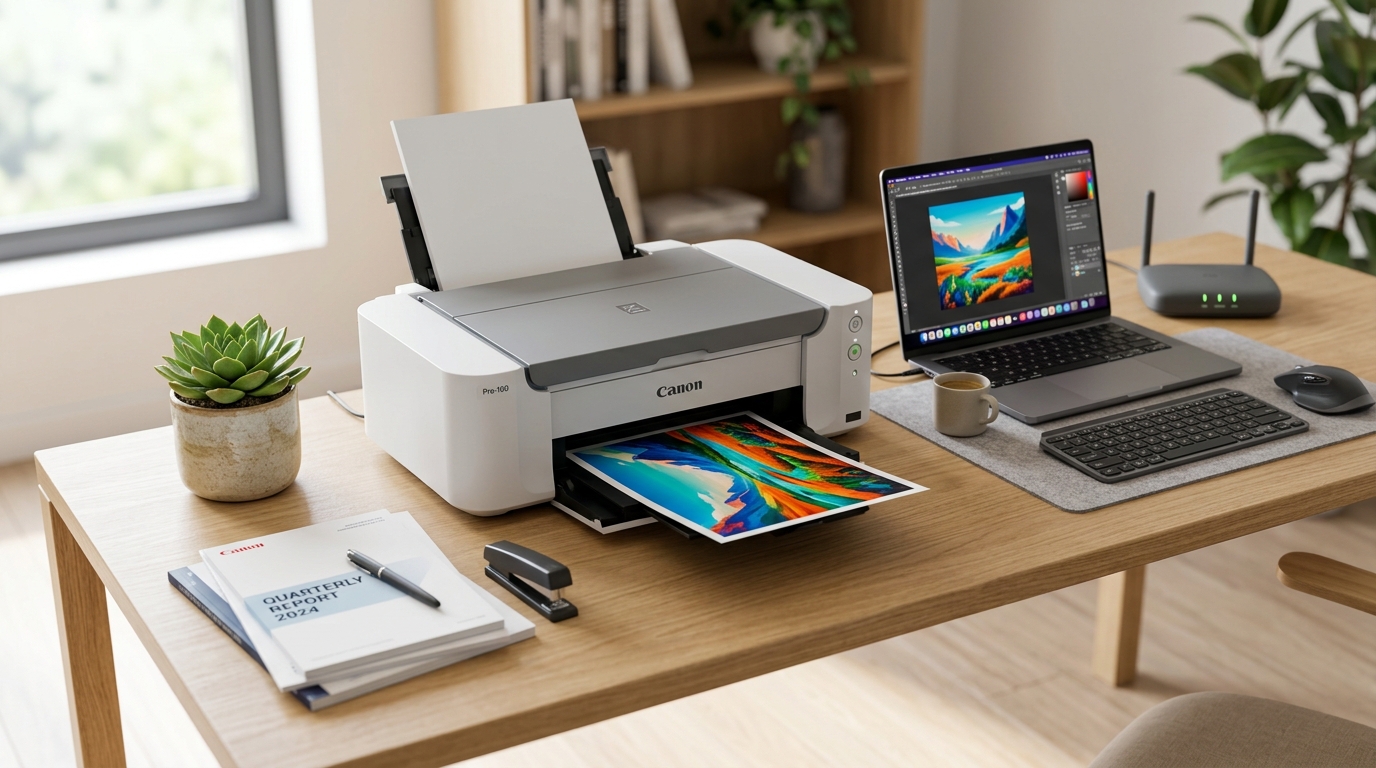
Real Hardware Testing & Diagnostic Desk
Concept-First Explanations
We explain what printer error codes, status lights, offline prompts, and queue messages mean in everyday language.
Independent Library
Our content is created strictly as an educational reference for printer users, not as phone support or paid repair services.
No Downloads or Remote Tools
We do not provide software files, remote access utilities, paid tool packages, or direct device repairs.
Structured Hardware Scope
Guides detail printer setup, driver installation, Wi-Fi networking, spooler recovery, cartridge care, and paper jam prevention.
Clear guides for all printer setup & troubleshooting topics.
Step-by-step educational references covering driver installation, wireless setup, spooler recovery, cartridge care, and mechanical troubleshooting.
Printer Driver & Software Setup
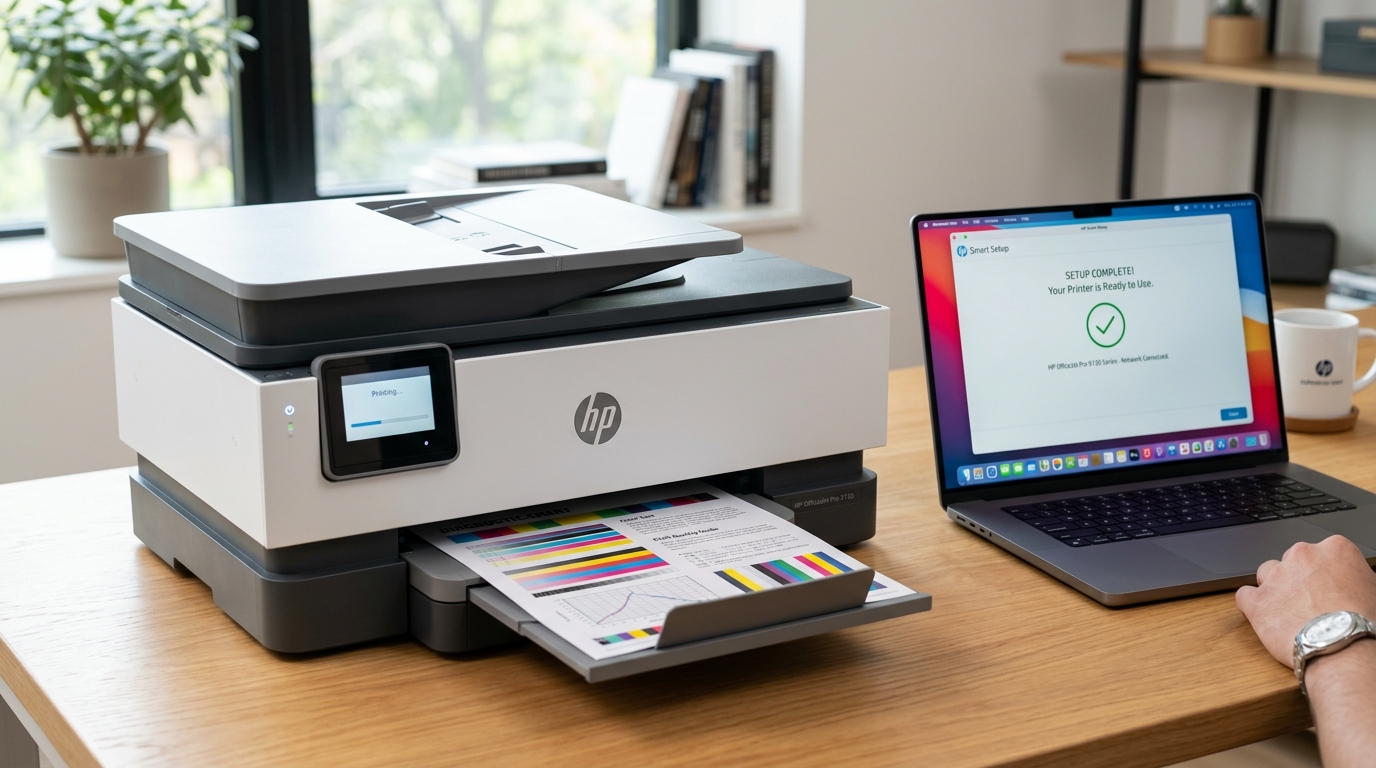
Step-by-step Windows and macOS printer driver installation, port configuration (USB & TCP/IP), and communication layer setup.
Wireless & Wi-Fi Printing
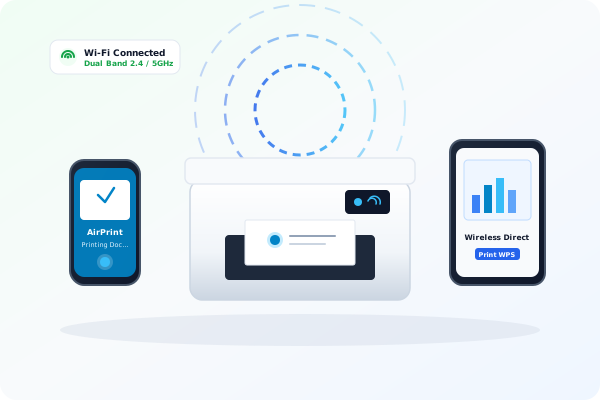
Connect wireless printers via physical router WPS pairing, manual static IP configuration, AirPrint, and cloud mobile printing.
Offline Status & Spooler Fixes
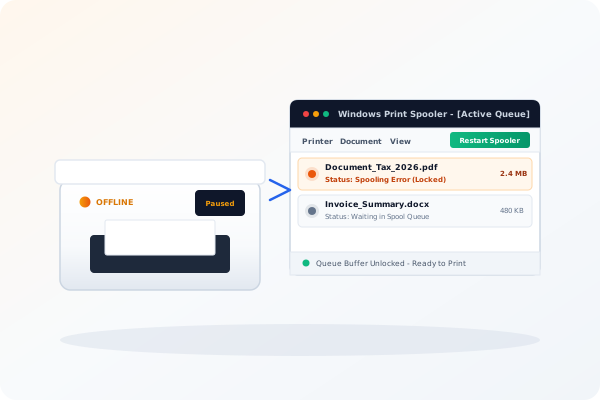
Practical solutions to flush frozen print queues, unblock Windows Spooler services, and bring unresponsive printers back online.
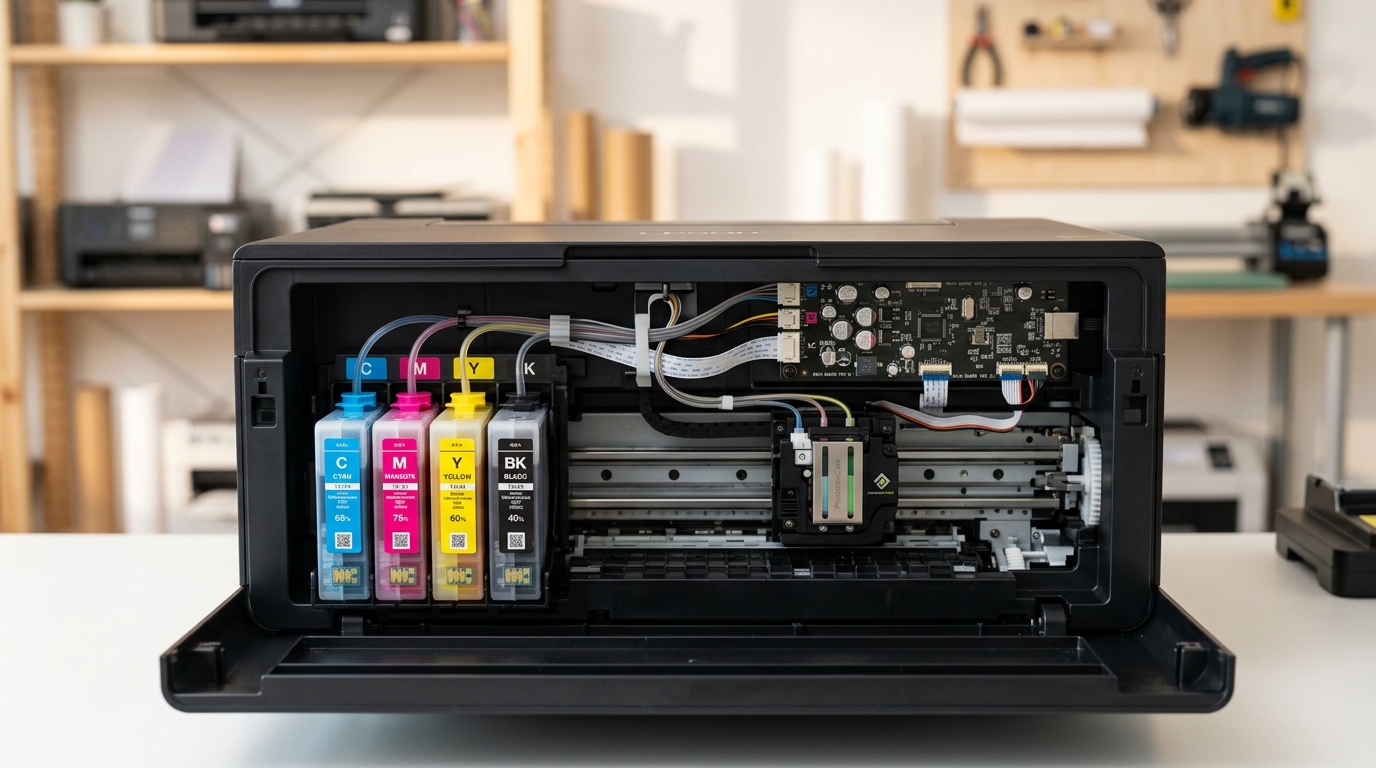
Ink, Toner & Printhead Care
Resolve faded streaks, smudges, and blank pages with nozzle check procedures, cartridge carriage alignment, and deep cleaning cycles.

Paper Jams & Mechanical Care
Visual instructions for safely extracting stuck sheets from feed rollers, adjusting tray guides, and cleaning optical flag sensors.
Understand what happens behind the print command.
Printers are essential daily devices, but their communication signals can often be confusing. Clear learning helps users recognize what happens between the operating system, print spoolers, driver translation software, wireless Wi-Fi pairing, and mechanical sensors.
Jargon-Free Educational Approach
Clear explanations without unnecessary technical complexity.
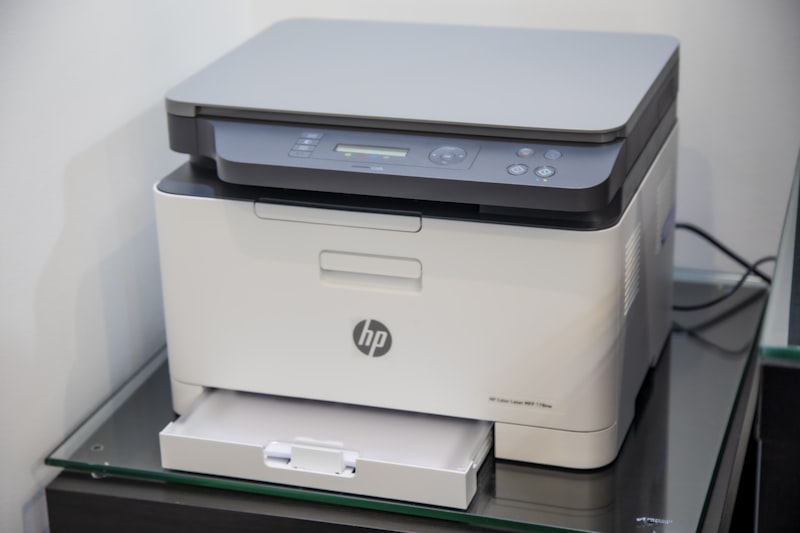
From Digital Document to Physical Page
Connection Protocols
Learn how printers connect over USB cables, local Ethernet, and 2.4GHz/5GHz Wi-Fi networks via IP handshakes.
Print Spooler Layer
Understand how the operating system converts pages into PCL or PostScript commands and buffers jobs in the spool queue.
Ink vs Toner Mechanics
Explore how inkjet printheads spray microscopic droplets versus how laser printers use electrostatic drums and heated fusers.
Error Codes & Sensors
Learn what flashing amber LEDs, carriage halts, paper feeder flags, and Windows error codes represent.
Common printer issues, explained clearly.
Explore straightforward learning notes about offline prompts, print queue locks, faded printouts, repeated paper jams, wireless drops, and driver alerts.
Printer Shows Offline
Learn why the "Use Printer Offline" toggle, loose USB cables, or dynamic Wi-Fi IP address changes disconnect communication.
Print Queue Stuck or Frozen
Understand how stalled print jobs lock the spooler buffer and how restarting the Windows Spooler service clears documents.
Faded, Streaked or Blank Pages
Diagnose clogged printhead nozzles in inkjet models or uneven toner distribution and worn imaging drums in laser printers.
Frequent Paper Feeder Jams
Learn how misaligned tray guides, worn pickup rollers, and improper paper weights trigger mechanical jam sensor flags.
Wi-Fi & Wireless Signal Drops
Understand dual-band 2.4GHz vs 5GHz router conflicts, dynamic DHCP IP changes, and how WPS pairing reconnects printers.
"Driver Unavailable" & Port Errors
Learn how corrupted printer INF packages, WSD vs Standard TCP/IP port routing, and USB detection mismatches are resolved.
Common printer questions, simple explanations.
Learn basic answers about printer offline status, print quality, Wi-Fi connections, print queues, cartridges, and paper jams.